
Debauchery and Magic Crash on Launch: Fix Startup Errors
Resolve a Debauchery and Magic crash on launch or startup freeze by aligning Windows permissions with Steam, starting the client directly from your library, and verifying installation files to clear authentication hang-ups.
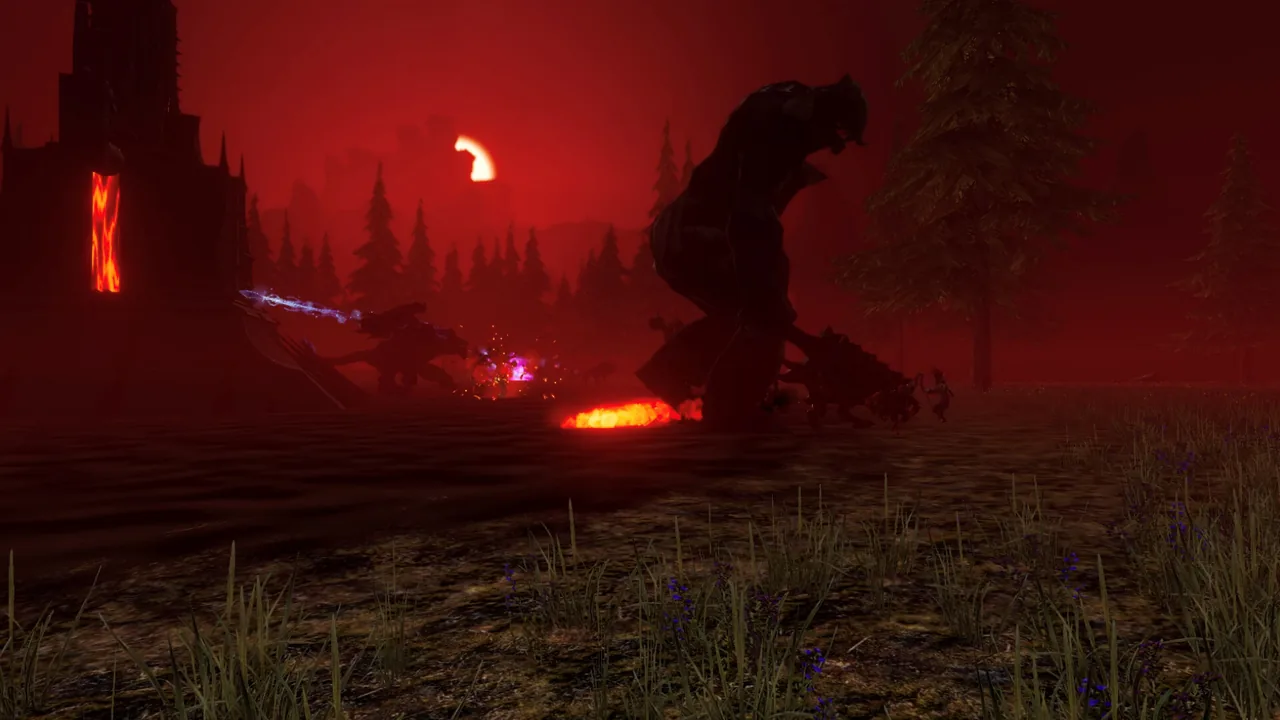
Resolve a Debauchery and Magic crash on launch or startup freeze by aligning Windows permissions with Steam, starting the client directly from your library, and verifying installation files to clear authentication hang-ups.
Developer Workaround for Startup Crashes
Steam forum replies from 3rd Shift Studios outline specific steps when the build crashes directly after an update or during the horse kickflipping patch. The primary conflict stems from user account permission mismatches between the operating system and the Steam client.
- Fully exit and reopen Steam, then sign in.
- Disable "Run as administrator" on the game executable so Steam and the game process run with matching privileges.
- Launch Debauchery & Magic Demo directly from their Steam Library.
Running executables with elevated privileges while the primary Steam client runs under standard Windows permissions prevents internal network handshakes from completing. Aligning both processes to standard privileges resolves direct-to-desktop crashes on executable startup.
Resolving Initializing and Steam Sign-In Freezes
Startup issues frequently present as an infinite loading loop displaying "Stuck on Initializing" or "Retrying steam sign-in" instead of an immediate desktop termination. In community threads on the Steam forums, players noted that file integrity issues trigger this communication block before testing online co op sessions.
Verifying the integrity of game files resolves the authentication loop for the majority of affected setups:
- Right-click Debauchery & Magic Demo inside the Steam Library list.
- Select Properties from the drop-down menu.
- Click the option to verify the integrity of game files and wait for corrupted assets to redownload.
If verification completes and the initialization prompt continues to repeat, third-party software or Windows security rules may actively block outgoing traffic for the game executable. Checking Windows security permissions ensures the application can establish its initial connection.
Troubleshooting Methods Comparison
The following table summarizes the confirmed fixes based on specific startup symptoms documented on the official Steam discussion boards.
| Error Symptom | Recommended Action | Resource Requirement |
|---|---|---|
| Crash to desktop after update | Disable administrative privileges and launch through Steam | Administrative access to file properties |
| Stuck on initializing screen | Verify game files through Steam properties | Steam bandwidth to redownload files |
| Retrying Steam sign-in loop | Fully restart Steam client and re-authenticate | Active account credentials |
Players participating during the test phase can access the demo while 3rd Shift Studios prepares updates ahead of the planned launch window. If corrupted local data persists even after verifying files, a complete reinstallation to an internal drive ensures all core assets and launch scripts execute cleanly before you head into dungeons across Haven.
Related Guides
Crypt Runes
Learn where to find the wall clues and how to handle multiplayer interactions for the 5 crypt runes puzzle in Debauchery & Magic.
Movement Speed Cap
Understand how movement speed limits work in Debauchery and Magic alongside developer plans for mobility stat adjustments.
Stat Caps
Learn the specific stat caps and attribute ceilings in Debauchery and Magic to avoid wasting gear bonuses and enchantments.
Walkthrough
Follow the full path through the Goblin Cave traps, complete every town assignment in Pondelhawk, and discover key minigame locations.