
Debauchery and Magic Movement Speed Cap and Demo Limits
The Debauchery and Magic movement speed cap currently stops character velocity at 115% during the demo. Developer 3rd Shift Studios confirmed on the Steam forums that this cap was unintended and scheduled an adjustment for future game builds.
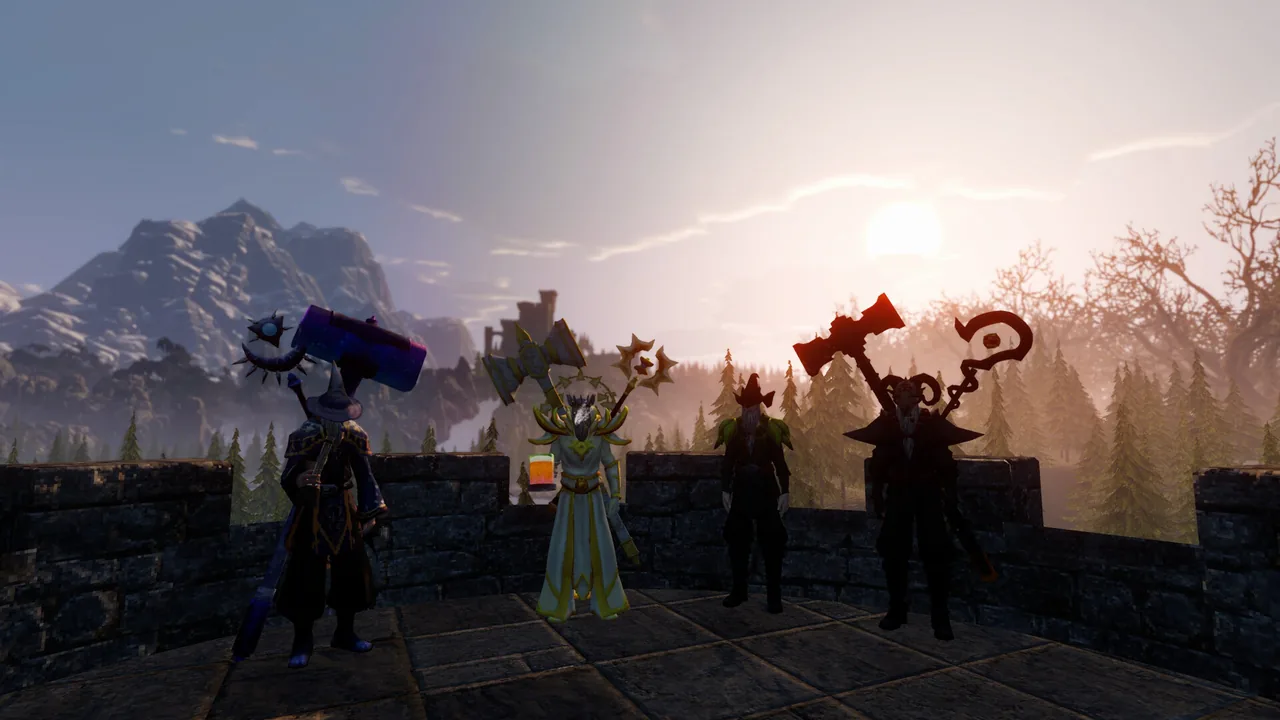
The Debauchery and Magic movement speed cap currently stops character velocity at 115% during the demo. Developer 3rd Shift Studios confirmed on the Steam forums that this cap was unintended and scheduled an adjustment for future game builds.
Movement Speed Cap and Developer Response
During playtesting of the Steam demo, player testing on the Steam Community forums identified an upper ceiling on gear-based sprint bonuses. In a thread started by player piratearrrny, stacking movement speed affixes across equipment stopped increasing run speed once the character reached 115% velocity.
A reply in the thread stated that the hard ceiling was unintended and that they will fix it. Testing across character builds showed that while equipment can roll multiple mobility affixes, any value assigned past 115% yields zero extra ground velocity in current demo builds.
The movement cap works alongside several other stat ceilings observed when using the Arcane Conduit. Testing documented across the game's discussion boards found that additional stat caps include a Luck cap of 30, a Constitution cap of 30 at level 10 after adding 15 points, a Critical Chance ceiling of 31%, and a base damage cap of 20.
Mobility Systems and Movement Controls
Alpha 0.0.70 introduced dedicated control settings to manage character locomotion across Haven. The update added an auto-run keybind that defaults to Num Lock. When activated on foot, the character maintains forward momentum without continuous key input. Testing on the forums revealed that this auto-run command applies exclusively to on-foot walking and does not function while riding a skateboard.
Mounts and alternate vehicles provide secondary travel methods independent of standard foot speed. Horses feature two control states toggled by pressing the C key:
- Riding Mode: Direct steering with the saddle icon displayed on screen.
- Trick Mode: Marked by a skateboard icon, allowing ground and airborne kickflips while maintaining independent camera direction.
Physical skateboarding provides another travel option. The board system includes regular and goofy stances, airborne trick combos, and a 180-degree board pivot complete with skid audio when pivoting without pushing.
| Locomotion Method | Optimal Situation | Functional Tradeoff |
|---|---|---|
| Foot Sprint Gear | Combat positioning and repositioning in tight encounters | Equipment speed modifiers provide zero gain above the 115% ceiling |
| Horse Mount | Traveling across open kingdom fields | Operating trick mode requires toggling the C key away from standard riding controls |
| Skateboard | Street traversal and chained trick scoring | The auto-run keybind does not function while riding |
Dungeon Navigation and Status Effects
Movement control plays a direct role when exploring procedural dungeons. Alpha 0.0.70 updated trap feedback by adding impact sounds and dust effects for dungeon trap hits. Maintaining manageable velocity helps avoid hazard rooms in Crypt and Goblin dungeon layouts.
Consumables also alter spatial handling. Ingesting alcohol or alchemical items triggers drinking effects that disorient character steering through screen distortion and camera sway. For encounters where intoxication debuffs impair pathing, the settings menu provides a setting to disable drunk and trip visuals, including drunk camera sway, keeping handling steady regardless of stat rolls.
Related Guides
Walkthrough
Follow the full path through the Goblin Cave traps, complete every town assignment in Pondelhawk, and discover key minigame locations.
Wilam Beer Quest
Learn how to gather ingredients, brew Pure Goblin Feet Ale, and resolve turn-in bugs for the Wilam beer quest.
Crash on Launch
Fix startup crashes and sign-in freezes in Debauchery & Magic with official developer troubleshooting steps and permission fixes.
Crypt Runes
Learn where to find the wall clues and how to handle multiplayer interactions for the 5 crypt runes puzzle in Debauchery & Magic.